 Q
 W
 E
 R
 D
 F
Practice Tool
One champion, every part of Void.
Ashe is only the stage. Scroll through the six parts of the app, try each one with the keys you'd use in game, or skip ahead.
 Void
GitHub
Void is an external scripting platform for League of Legends on Macs with an M1 chip or newer. Orbwalker, autoaim, combos, last hitting and auto Heal run in one native app that only reads the screen. No injection, no memory reading, nothing to pay.
01 Hold
Hold Space.
Twitch attacks the moment he can and walks in between. Everything drawn on the game is Void's own overlay.
Live demo
Practice Tool
Ashe is only the stage. Scroll through the six parts of the app, try each one with the keys you'd use in game, or skip ahead.
01 Orbwalker
Void attacks the moment Ashe can and walks her toward your cursor in between. The bar under her feet is the attack timer: amber while the arrow winds up, green when the next one is ready.
In the Twitch clip above: 54 attacks in 21 seconds.
02 Targets
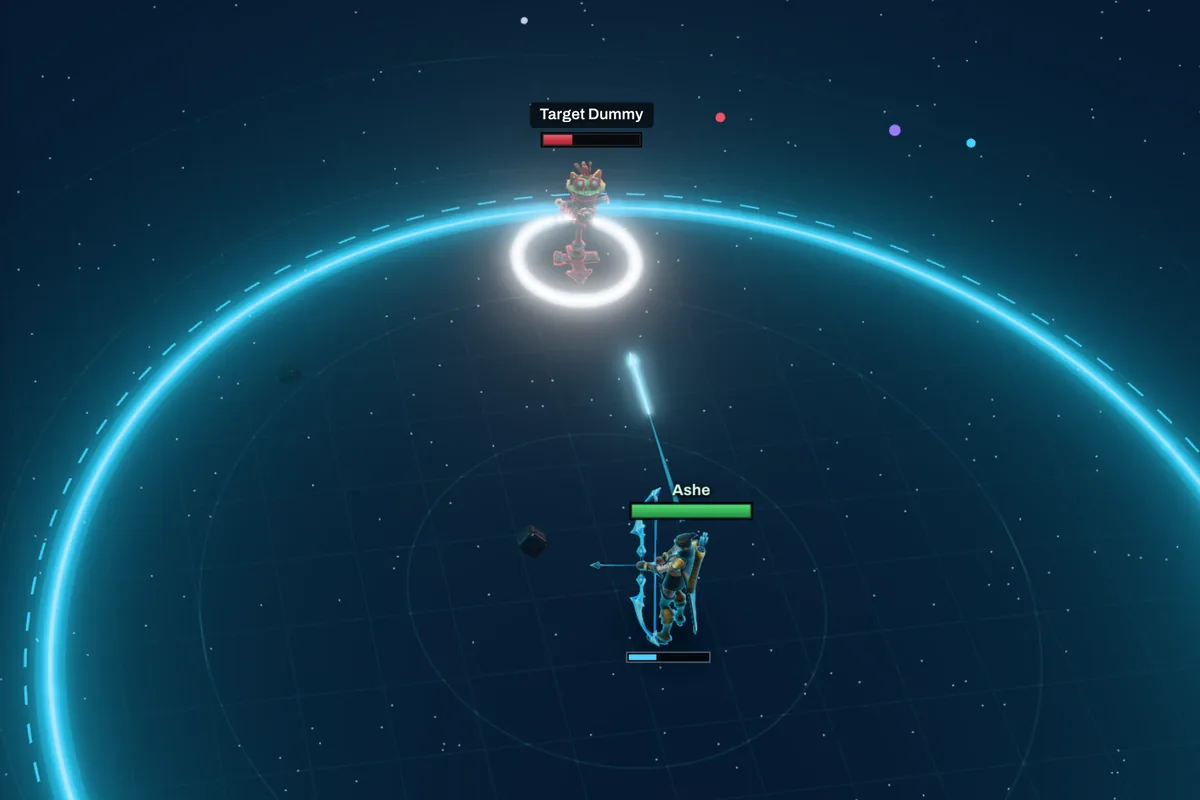
Void reads the name above every health bar and picks who to hit by the rule you set, or by your own champion priority list. The white ring on the ground is its choice.
Pick Near cursor, then point at a dummy.
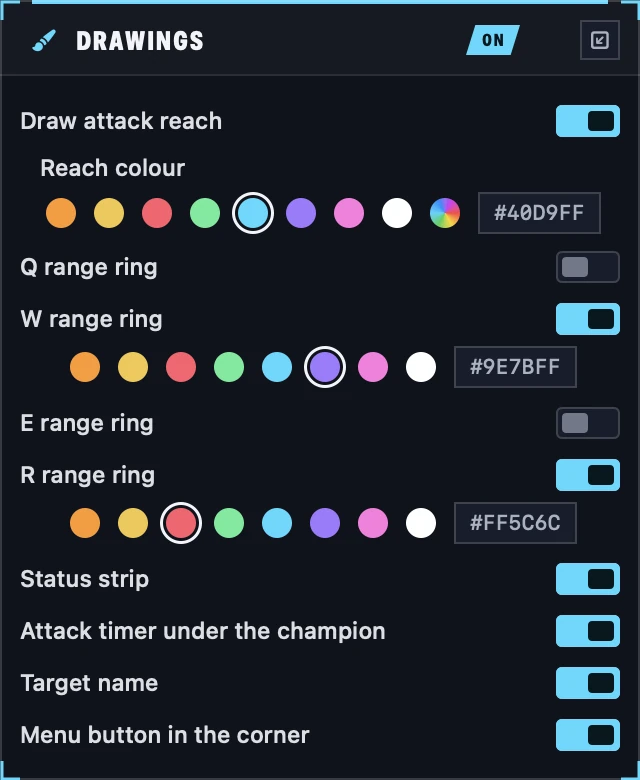
03 Drawings
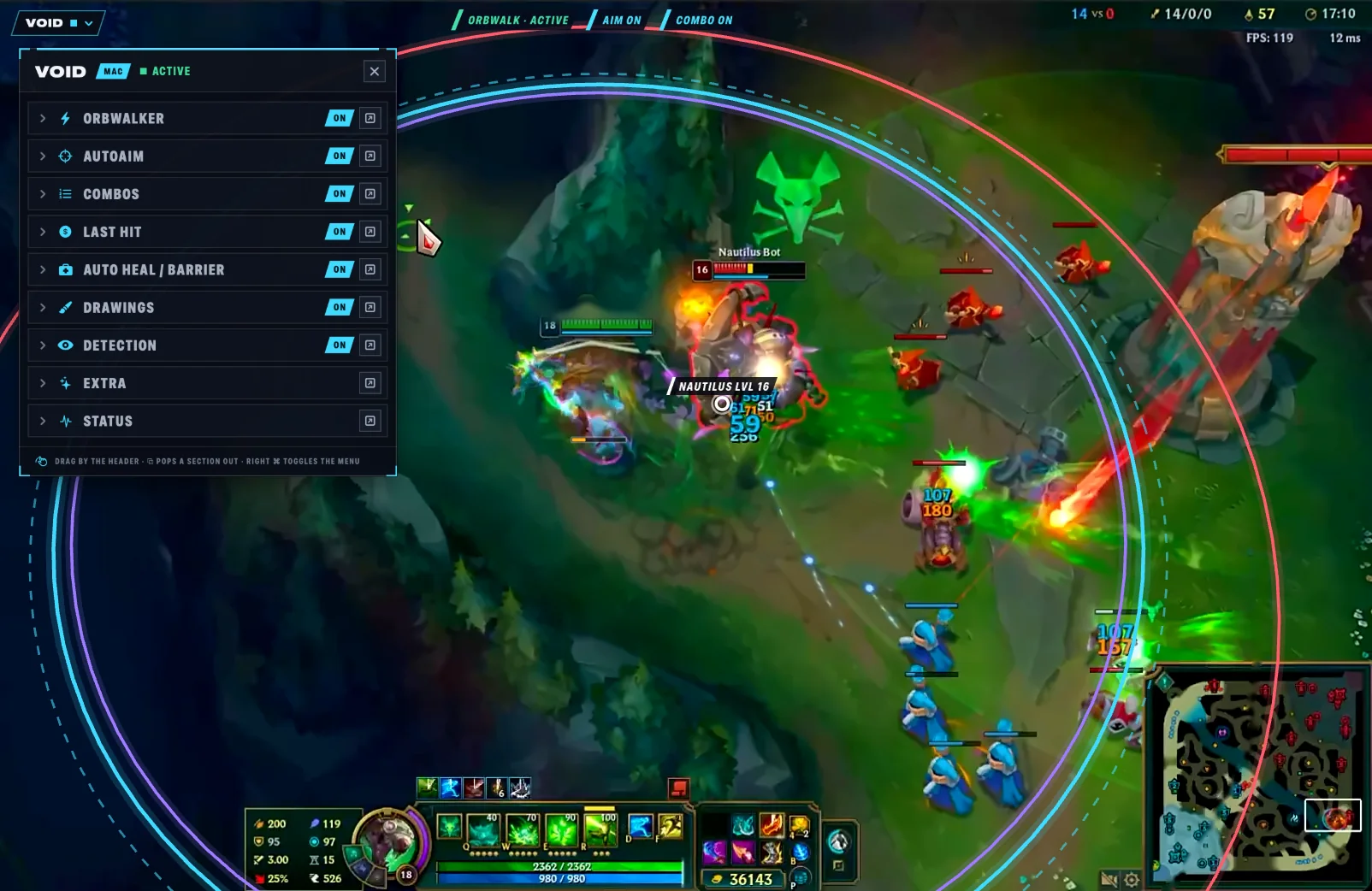
Your reach, the dashed gate where Void stops trying, and your spells' ranges. The panel is Void's own menu: switch anything off or give it a new colour.
Ashe's 600 range reaches 730 units to a champion's centre.
04 Autoaim and combos
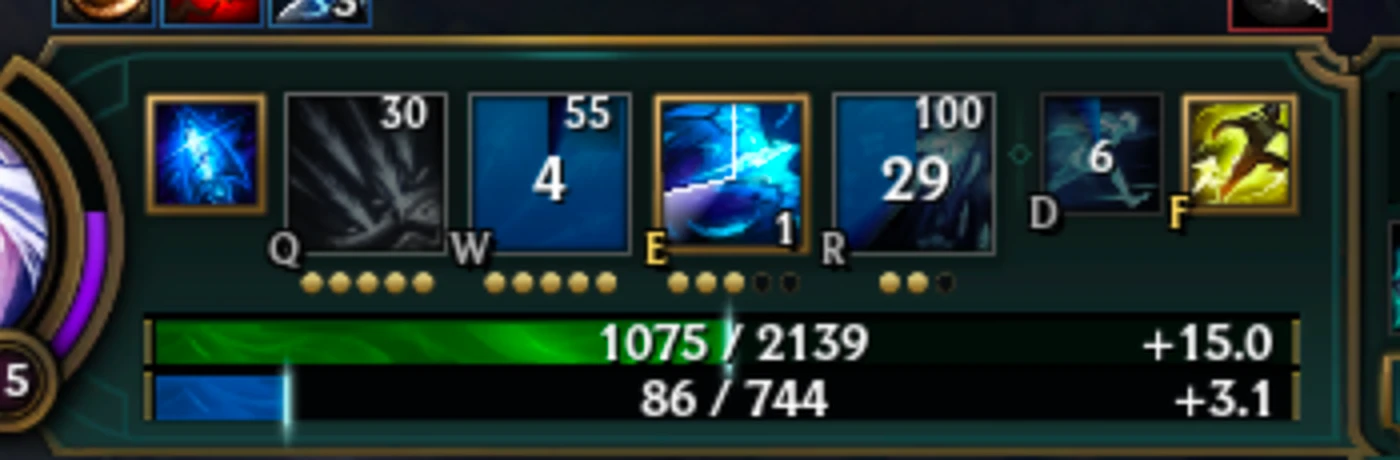
Press W, E or R and Void leads the shot to where the target will be, casts, and puts your cursor back. After a hit it also casts the next ready ability, read from the gold frames on the HUD.
In real Ashe games, Ranger's Focus went out a median 157 ms after the hit, over 62 casts. Cooldowns here are shortened.
05 Last hit
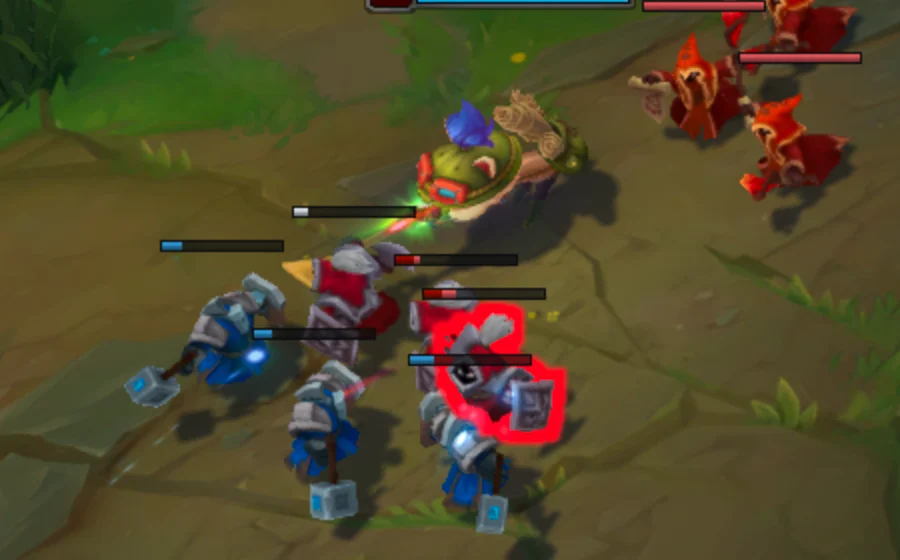
Void only attacks a minion the next arrow kills. It reads League's Last Hit Assist: a bar that turns white dies to one attack.
In a real game: 30 of 33 last hits, +642 gold in 153 seconds.
06 Heal and Barrier
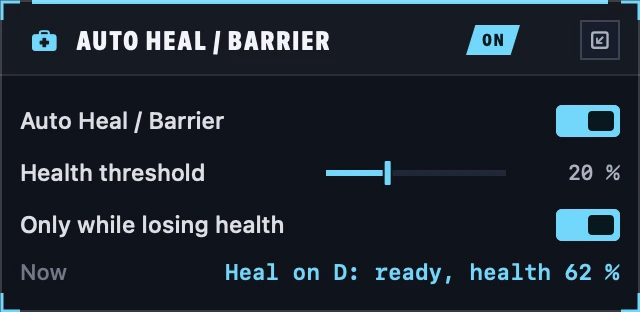
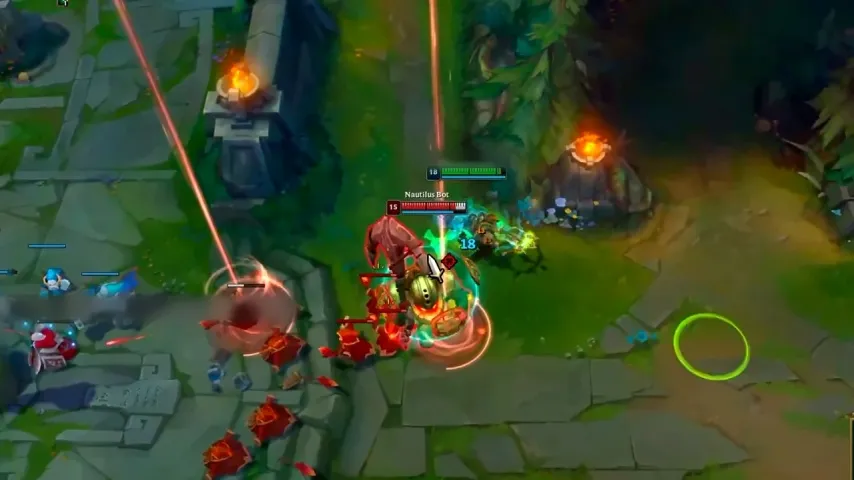
When Ashe's health is about to fall under your threshold, Void casts Barrier, or Heal while Barrier is down. Health comes from League's own API, so a shield never fools it.
In a real game: Barrier at 12 % health, on a reading 9 ms old.
That's all of Void
All of it runs on your Mac while you play, and every line of it is open source.
Everything Void does sits under a key you already use. Each reading below comes from a real game.
Hold Space
Void attacks the moment your champion can and walks in between. After every confirmed hit it casts your next ready ability, timed to land before the next attack, reading what is ready from the gold frames on the HUD.
Ranger's Focus a median 157 ms after the hit, over 62 casts
Q W E R
Press an ability and Void holds the key back, moves the cursor to where the target will be, casts, and puts the cursor back in your hand.
Varus Q at 544 u, aimed 300 ms ahead, cursor back where your hand left it
Hold X
Void only attacks a minion the next hit kills. It reads League's Last Hit Assist: a bar that turns white dies to one attack, right now.
30 of 33 last hits, +642 gold in 153 seconds
D and F
Heal or Barrier goes out by itself when your health is about to fall under your threshold. Health comes from League's own API, so a shield never fools it.
Barrier up at 12 % health, 9 ms after the health reading
Right ⌘
Every ring you saw is one switch and one colour in Void's menu, opened right over League with Right ⌘.
Reach, gate, W 950 u and R 1200 u in their own colours
League's Show Range on C fills one circle around your champion. Void draws the line an enemy has to cross to be hit, the gate, and every spell you pick, each in its own colour.
League, Show Range (C)
Void, reach, gate, W and R
A native Swift app in your menu bar, built for Apple Silicon. It watches the game through ScreenCaptureKit, reads your stats from League's Live Client API and clicks with ordinary input events. No injection, no hooks, and it never touches the game's memory.
There is no installer. Void builds from source on an Apple Silicon Mac with macOS 14 or later. If you have never built code on it, install Apple's command line tools first with xcode-select --install.
git clone https://github.com/sajmonekk191/VoidMac.git
cd VoidMac && ./run.sh
Build complete! (19.60s)
Void started (scope icon in the menu bar, panel = Right ⌘)
./run.sh compiles, signs and opens the app in your menu bar.Your account, your risk. Scripts like this break Riot's Terms of Service and can get your account banned. Void is shared for learning and for people who accept that risk.
What people ask before they try Void: which Macs it runs on, how it reads the game, how to install it and what it risks.
Yes. Void is free and open source, and every line of it is on GitHub. It is a hobby project that is not sold anywhere, so anyone asking you to pay for it is not its author.
Any Apple Silicon Mac, M1 or newer, on macOS 14 or later, with League of Legends installed on the same Mac. Void is a native Swift app that lives in your menu bar.
No. Void watches the game through ScreenCaptureKit, reads your stats from League's Live Client API and clicks with ordinary input events. It uses no injection and no hooks, and it never touches the game's memory.
Yes, it can. Scripts like Void break Riot's Terms of Service and can get your account banned. Void is shared for learning and for people who accept that risk.
There is no installer. Clone the repository from GitHub and run ./run.sh, which compiles, signs and opens the app in your menu bar. If you have never built code on your Mac, install Apple's command line tools first with xcode-select --install.
Void sees the game through screen capture, which macOS only allows with Screen Recording. It reacts to keys you hold, such as Space and X, and moves the cursor and clicks with ordinary input events, which is what Accessibility and Input Monitoring allow. After you grant them, start Void again.
Hold Space to orbwalk, press Q, W, E or R for autoaim and combos, and hold X to last hit. Heal and Barrier on D and F go out by themselves under your health threshold. Right ⌘ opens Void's menu over the game.
Void covers 174 champions: every champion's attack windup, plus the ranges of 692 spells, taken from the game's own data.
No. The 3D scene is drawn live in your browser to show what Void does, while the app itself runs on your Mac. The clips are OBS recordings of one real game, and because screen recorders don't capture Void's overlay, its drawings are redrawn from Void's own log of the same moment.
Void is a hobby project. It isn't sold anywhere, and anyone asking you to pay for it is not its author.